Sydney Tools Receipt Generator
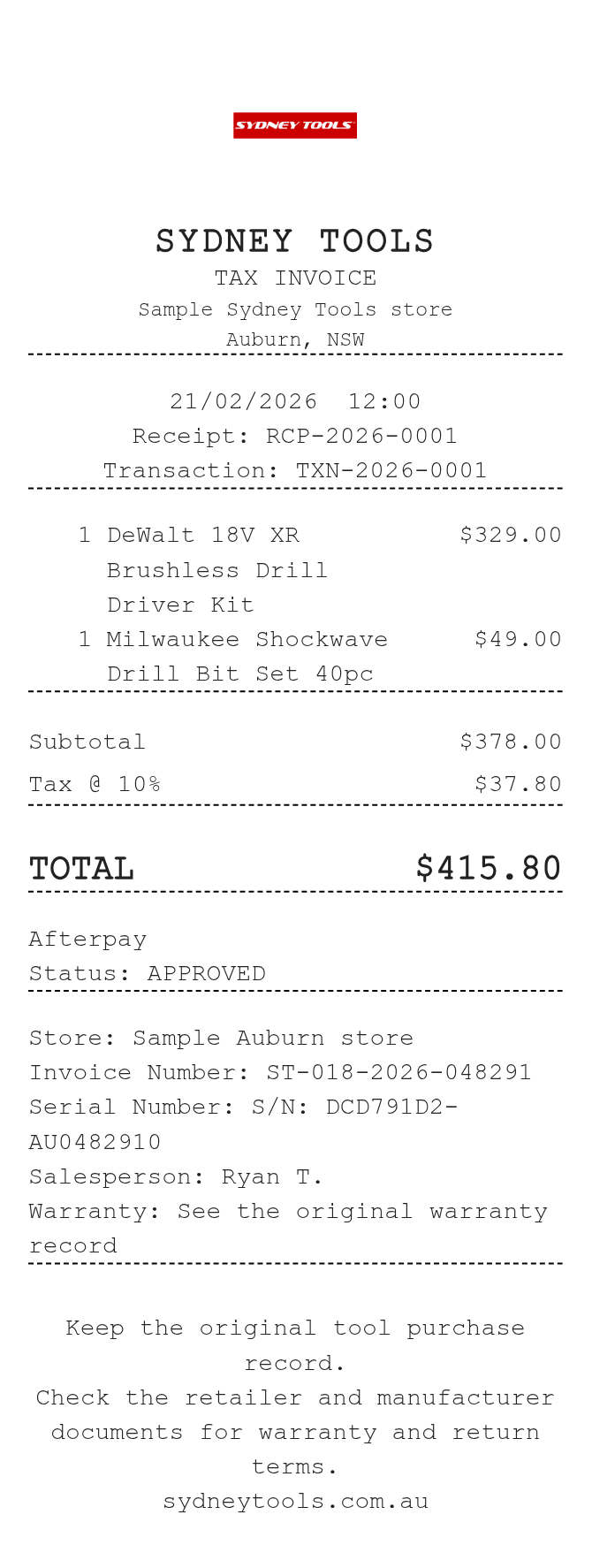
List tool purchases and complete row charges, then add store, invoice and serial references. Review tax, payment notes and any warranty information you enter.
Last updated
Keep the invoice and tool serial reference together
The Sydney Tools editor includes an invoice number, salesperson and a separate serial-number field. Use descriptions to distinguish tool models, kits and accessories. The warranty field is a note for information from your purchase record; the editor does not establish coverage.
Sydney Tools tax invoices
Sydney Tools prices include GST where it applies, so the GST in a price is one eleventh of the total; a $110 drill includes $10 GST. Online orders are confirmed by an emailed tax invoice from Sydney Tools Pty Ltd, ABN 19 112 852 285. Under ATO rules, a tax invoice shows the seller's identity and ABN, the date, a description, quantity and price of each item and the GST, and sales of $1,000 or more must also show the buyer's name or ABN.
Businesses need a valid tax invoice to claim GST credits on purchases over $82.50 including GST, so ask for one at the counter when you buy tools for work.
Returns, warranty and getting a copy
Sydney Tools doesn't accept change-of-mind returns, exchanges or refunds unless the law requires them. For faulty goods under Australian Consumer Law you can claim with Sydney Tools in store or by Live Chat rather than going to the manufacturer, and you'll need the original invoice or other reasonable proof of purchase. For a copy of a store docket, contact the store or Sales & Online Support on 02 9067 6929.
Fields for tools and accessories
| Section | Details |
|---|---|
| Items | Model or kit description, quantity and full row amount |
| Store | Location and salesperson |
| References | Invoice and serial number |
| Tax | Entered percentage added to the subtotal |
| Payment | Method, details and status text |
Related receipt guides
Check the model and invoice references
- Replace the example store information.
- Enter descriptions and combined row charges for the tools purchased.
- Check tax and invoice or serial references.
- Review payment and warranty notes against your record before saving.