Publix Receipt Generator
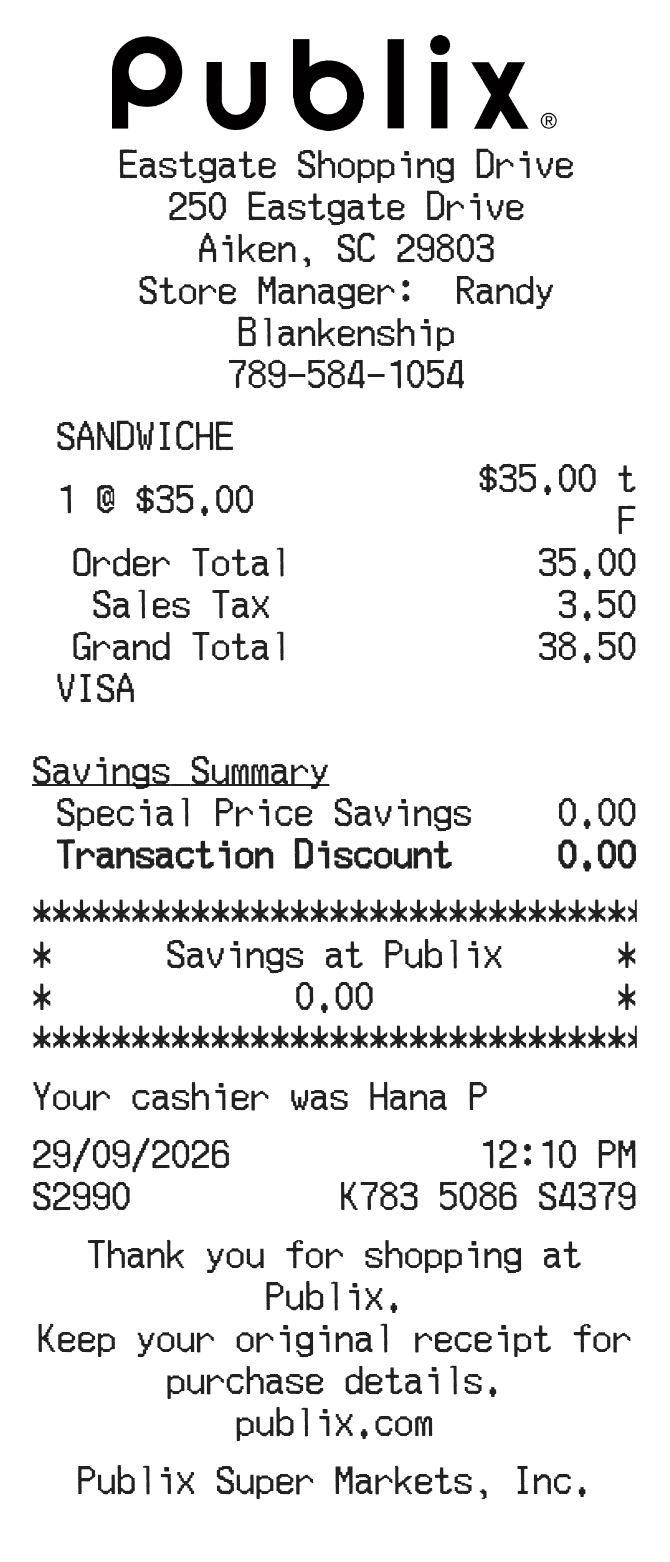
Add quantities and unit prices, with optional offer pricing or row promotions. Review the transaction discount, sales tax and savings summary before downloading.
Last updated
Check offers separately from the regular unit price
The Publix editor supports both a regular unit price and an offer price for a stated number of units. A row can also have a promotional label and amount. These controls affect the calculation, while the savings summary explains the reductions without subtracting them a second time.
Publix receipts, Purchases history and refunds
Publix now calls its e-receipts Purchases. Club Publix members who enter their phone number on the PIN pad at checkout get the transaction saved to their account, and can still choose a printed copy, an emailed copy or neither under Receipt Preferences in account settings. Publix says online purchase history works just like a paper receipt: it cheerfully refunds the purchase price when a customer isn't fully satisfied, and you can show the purchase on your phone or as a printout at the Customer Service desk.
The Publix Promise also ties back to the receipt. If the scanned price of an item at checkout is higher than the shelf or advertised price, Publix gives you one of that item free and charges the lower price for the rest; alcohol and tobacco are excluded. Sales tax depends on the state. In Florida, the Department of Revenue lists general grocery items as exempt, while food prepared for immediate consumption, sandwiches ready to eat and items advertised as candy are taxable, so a single Publix receipt can mix taxed and untaxed lines.
How to find a copy of a Publix receipt
Sign in to your Club Publix account, select Account, then Purchases, and switch between online orders and in-store purchases. Publix keeps purchase history for up to 180 days from the purchase date, and a new transaction can take 24 to 48 hours to appear. Online orders show up in the same history.
Publix can't add a purchase to your account after payment, so if you forget to enter your phone number, keep the paper receipt the register prints by default. Look for the Customer ID Accepted message on the checkout screen to confirm the number was entered.
Pricing and checkout controls
| Section | Details |
|---|---|
| Store | Shopping center, address, manager and cashier |
| Items | Description, quantity, unit and regular unit price |
| Offers | Offer quantity and price, plus a row promotion amount |
| Totals | Transaction discount, sales tax and savings summary |
| Checkout | Date, POS sequence, register/operator and payment type |
Related receipt guides
Set offers deliberately
- Enter the regular quantity and unit price.
- If needed, enter the combined offer price and the number of units it covers.
- Review any row promotion and the transaction discount percentage.
- Check sales tax, payment and the savings summary before export.
FAQs
Official sources
- Publix - Purchase history FAQ
- Publix - Customer service FAQ
- Florida Department of Revenue - Form DR-46NT, Nontaxable medical items and general grocery list