📝Editor
👁️Live Preview
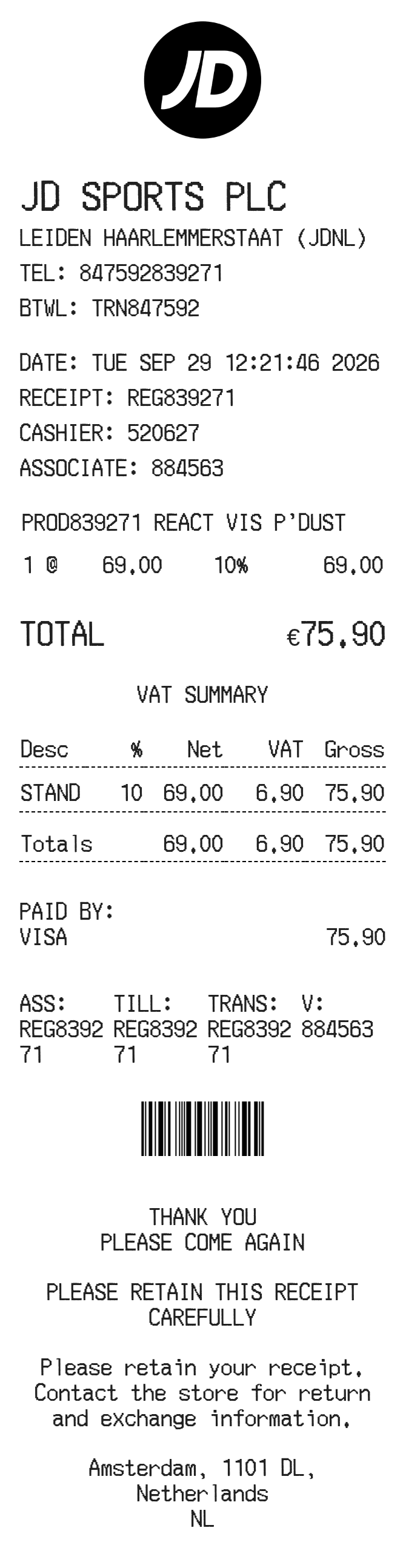
Enter product codes, quantities and unit prices, then review the tax summary and payment amount. Add the store and till references and choose whether to show a barcode or QR code.
The JD Sports preview places product details above a VAT summary showing net amount, tax and gross amount. The editor uses the single percentage you enter for this calculation. Store, cashier, associate, assistant and till references have separate fields so they can match the sale being recorded.
| Section | Details |
|---|---|
| Store | Name, address, telephone and business reference |
| Checkout | Receipt, cashier, associate, assistant, till and transaction IDs |
| Items | Product code, description, quantity and unit price |
| Tax summary | Entered rate with net, tax and gross totals |
| Footer | Receipt reminder, policy message and optional barcode or QR code |