📝Editor
👁️Live Preview
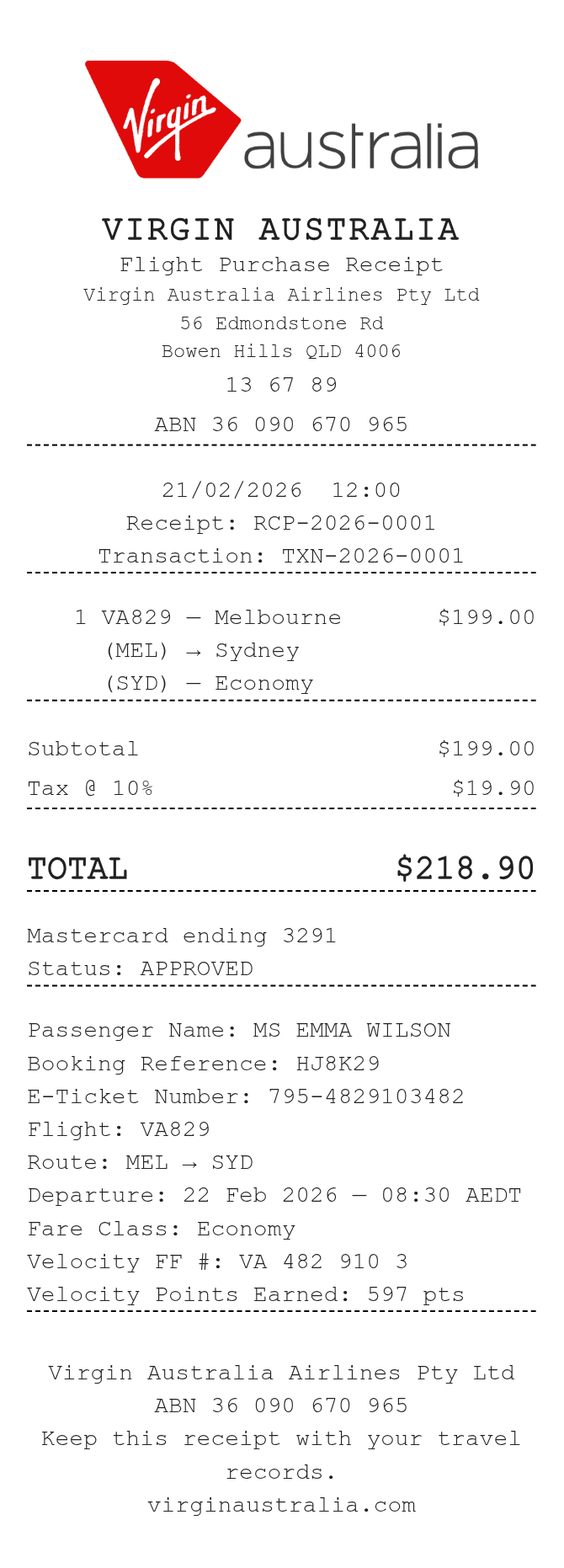
Enter the passenger, booking, ticket and flight details. Record the fare as a complete charge and add any Velocity references as separate notes.
The Virgin Australia receipt template has a route and departure field alongside the flight number and fare class. Velocity number and points have their own fields, but they do not connect to a loyalty account. Enter the complete flight charge in the item table, then check the reference details independently.
| Section | Details |
|---|---|
| Passenger | Enter the name, booking reference and e-ticket number. |
| Flight | Record the flight, route, departure and fare class. |
| Velocity | Type the member reference and points you want displayed. |
| Charges | Use complete line amounts. Quantity is a note and does not multiply the fare. |
| Tax and payment | Tax % adds to the subtotal. Review the selected card, cash or custom payment details. |