📝Editor
👁️Live Preview
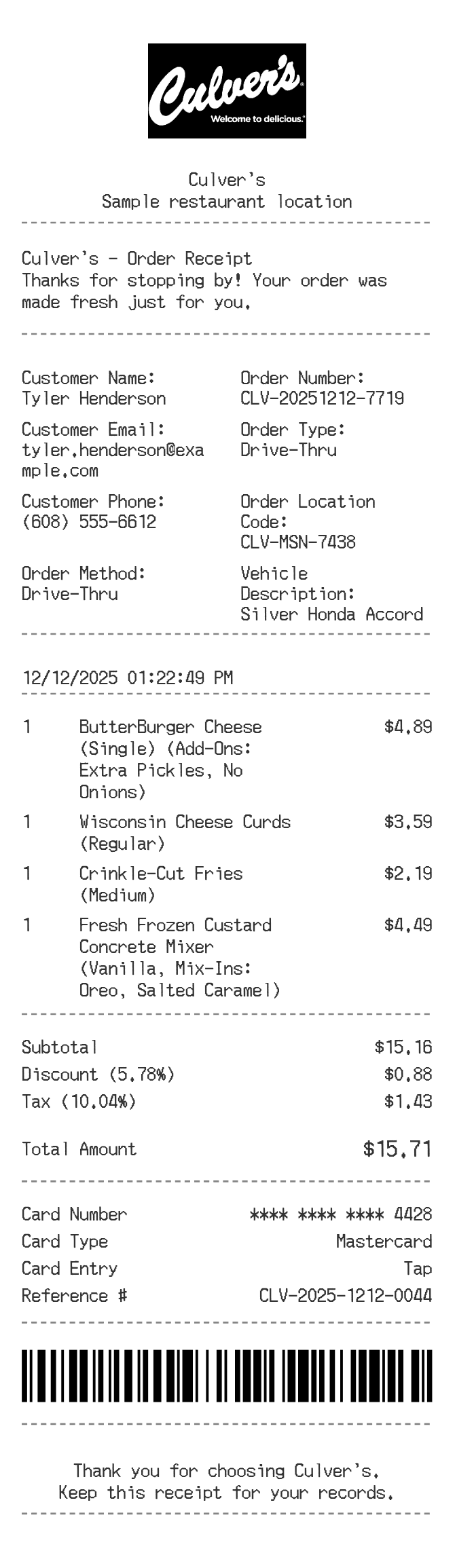
Build the order with burgers, sides and custard descriptions. Add pickup or drive-through details and check every item charge before downloading.
A Culver's order can have several instructions attached to one item. This layout gives descriptions room for changes, mix-ins or serving details while retaining a separate quantity and price. The order-information sections can hold pickup, customer and vehicle references.
| Section | Details |
|---|---|
| Header | Enter the store details for the receipt. |
| Service information | Write the order type and any useful pickup or vehicle reference. |
| Descriptions | Keep instructions beside the item they belong to. |
| Prices | Enter the unit price that already accounts for included customisations, or list a separate charged extra. |
| Totals | Review the discount, tax and payment sections after editing the items. |