📝Editor
👁️Live Preview
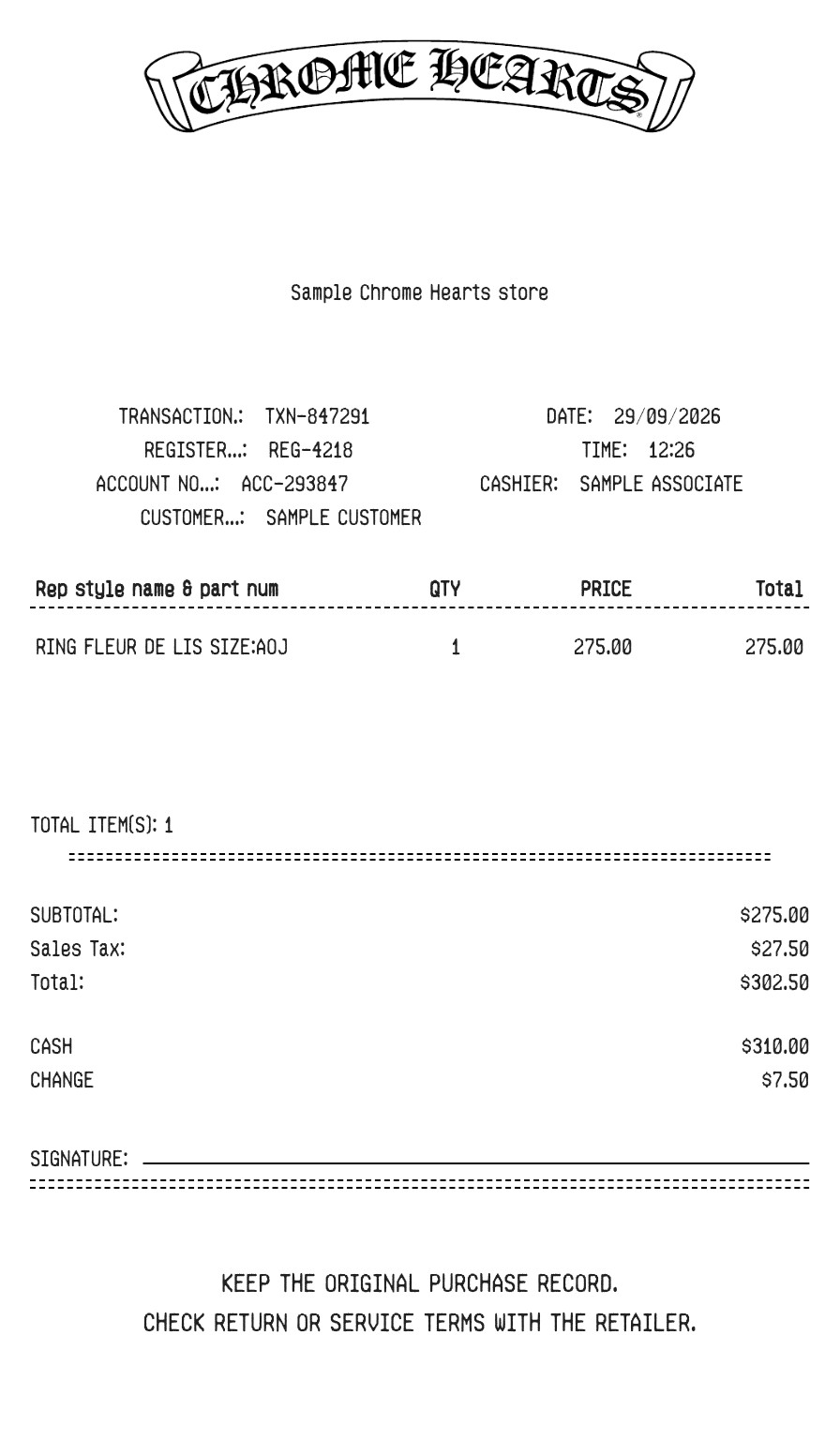
Add product descriptions, quantities and unit prices, then check the store, customer and payment details on your Chrome Hearts receipt.
This Chrome Hearts receipt layout combines an item table with customer and payment details. Use the description for the piece, size or finish you need to record. Separate lines make it easier to check different quantities and prices before saving the receipt.
| Section | Details |
|---|---|
| Store | Edit the store address and contact text rather than relying on sample details. |
| Customer | Enter the purchaser information required for your record. |
| Item amounts | Quantity and unit price determine each line amount. |
| Tax | Set the percentage used to calculate tax on the subtotal. |
| Payment | For a cash purchase, enter cash received and check the change. For a card purchase, review the payment fields. |