📝Editor
👁️Live Preview
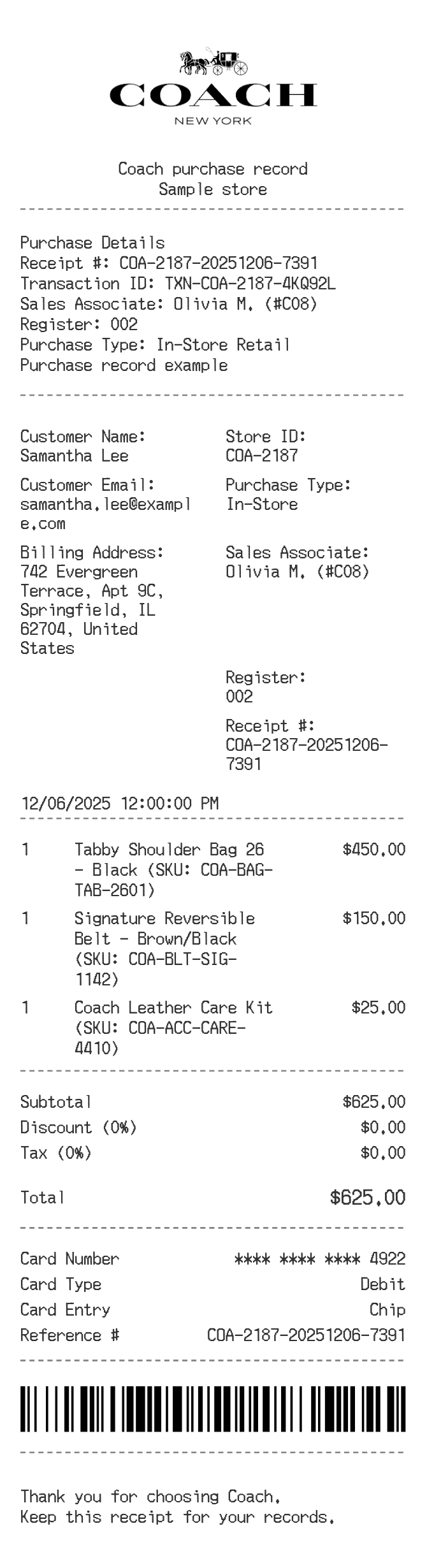
Open the purchase sections to edit a bag, belt or accessory order. Review the customer, item prices and payment details, then download the Coach receipt.
The Coach editor starts with a store header, purchase details and customer information. The item list and totals are separate sections, followed by payment and a closing note. You can rearrange or remove sections to suit the information you actually have.
| Section | Details |
|---|---|
| Purchase details | Enter the receipt number, transaction reference, register and sales associate. |
| Customer information | Edit the two-column labels and values for a name, address or other reference. |
| Item list | Describe each bag or accessory and enter its quantity and unit price. |
| Totals | Review the item subtotal, discount percentage and tax percentage together. |
| Finishing | Edit the payment block and note, then check the complete receipt before PDF or PNG export. |