📝Editor
👁️Live Preview
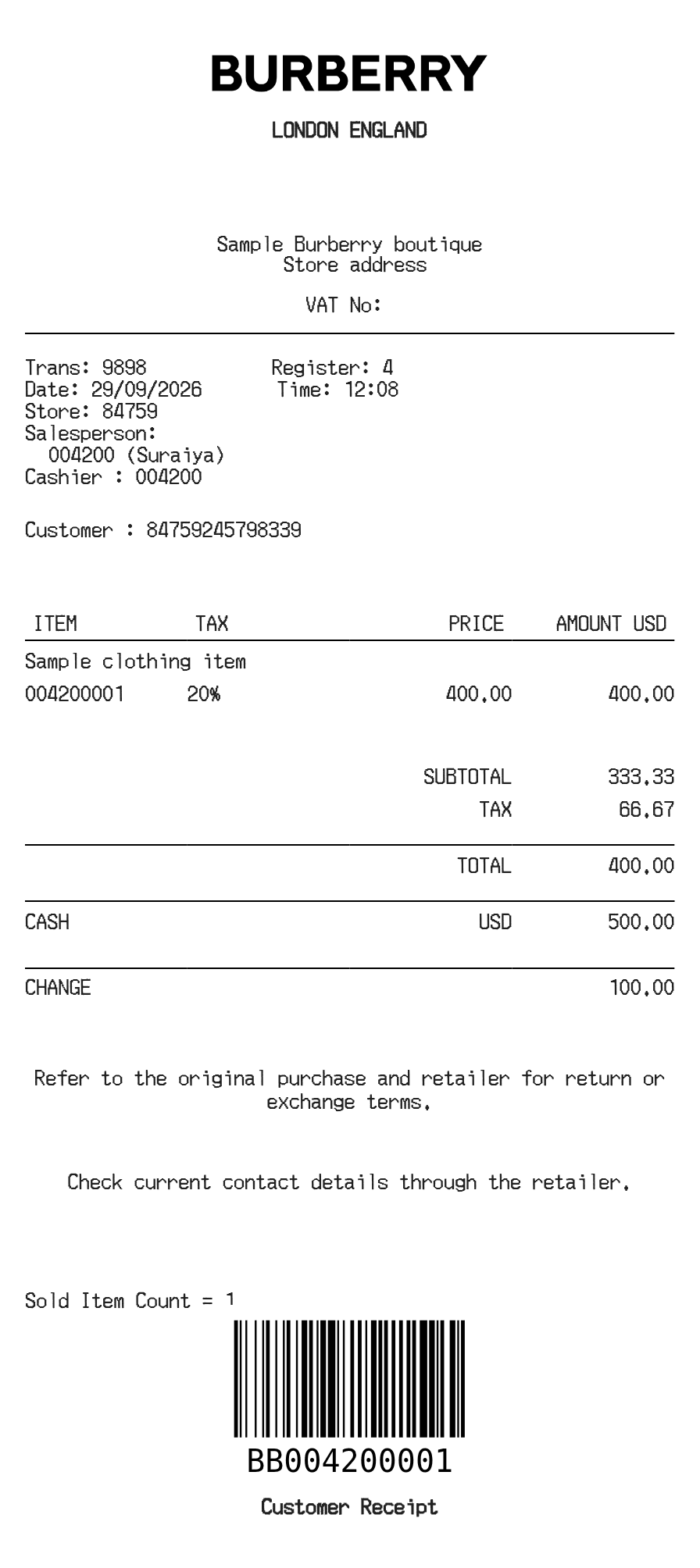
Add item descriptions and line prices, choose whether tax is included, and check the Burberry receipt’s tax and payment breakdown.
The Burberry layout supports tax-inclusive and tax-exclusive prices. Each product entry has one price for the complete line; there is no quantity multiplier in this item table. Product codes, transaction details and payment information sit alongside the purchase summary.
| Section | Details |
|---|---|
| Items | Enter a description, item code and complete line price. |
| Inclusive tax | Set the included tax rate on each item. The receipt separates net prices and included tax. |
| Exclusive tax | Use the receipt tax percentage to add tax to the sum of the prices. |
| Cash or card | Select the payment type. Cash tendered produces a calculated change amount. |
| Export | Check the tax mode and payment block in the preview before selecting PDF or PNG. |