📝Editor
👁️Live Preview
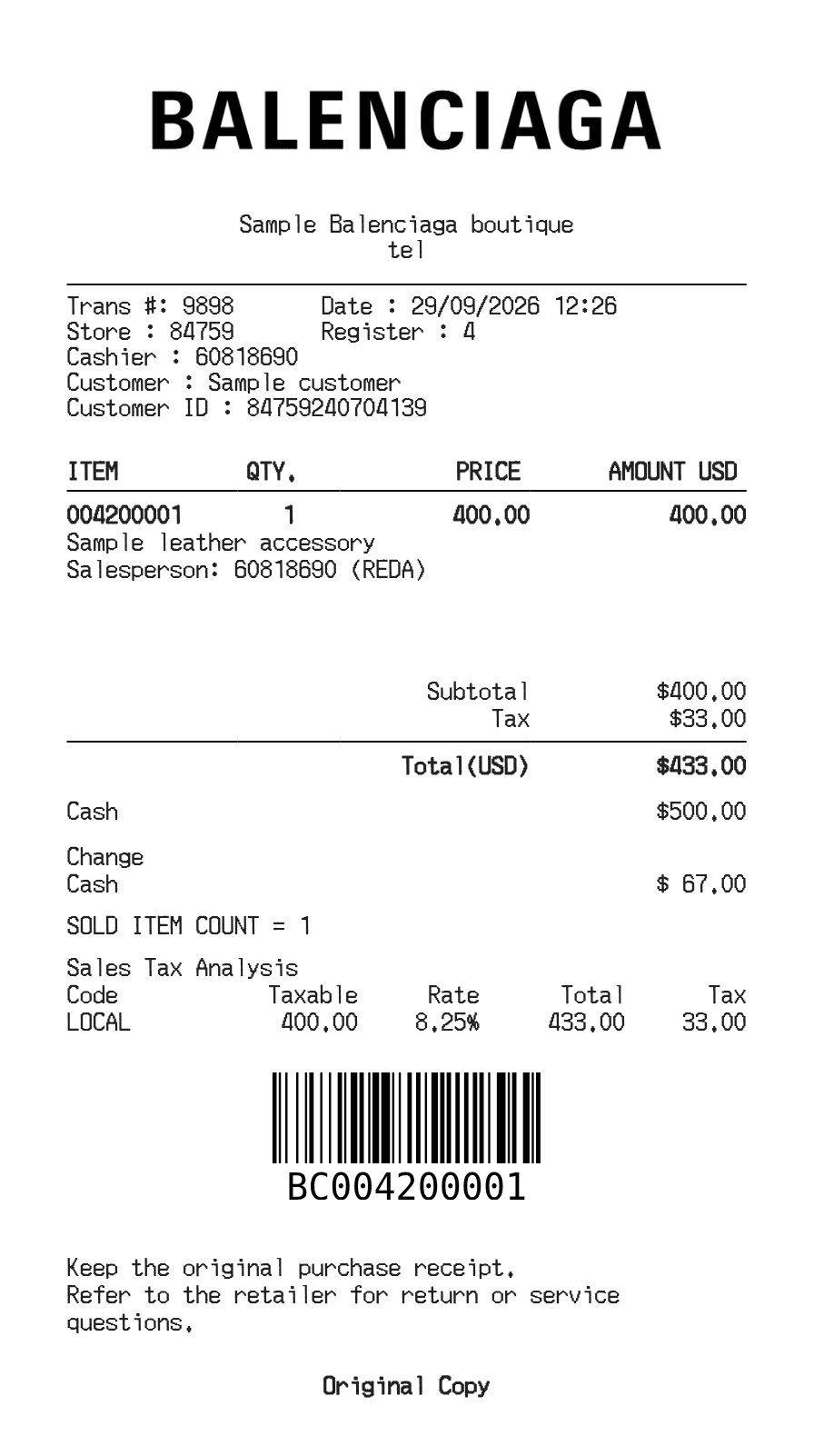
Enter the store, customer and product details, then compare the item totals, tax and payment amount in the live Balenciaga receipt.
This layout places the item table above a payment block and sales-tax analysis. That makes it useful when you want to check the purchase amount against the cash or card entry. Each product has a description, item code, quantity and unit price.
| Section | Details |
|---|---|
| Store and transaction | Edit the address, telephone, transaction, register and cashier fields. |
| Customer | Enter the customer name and identifier shown on your record. |
| Item table | Use a unit price for each item; quantity sets the extended amount. |
| Cash payment | For cash, enter the amount tendered. Change is calculated from the receipt total. |
| Tax analysis | The entered tax percentage calculates tax on the subtotal. A tax-code label is descriptive. |