📝Editor
👁️Live Preview
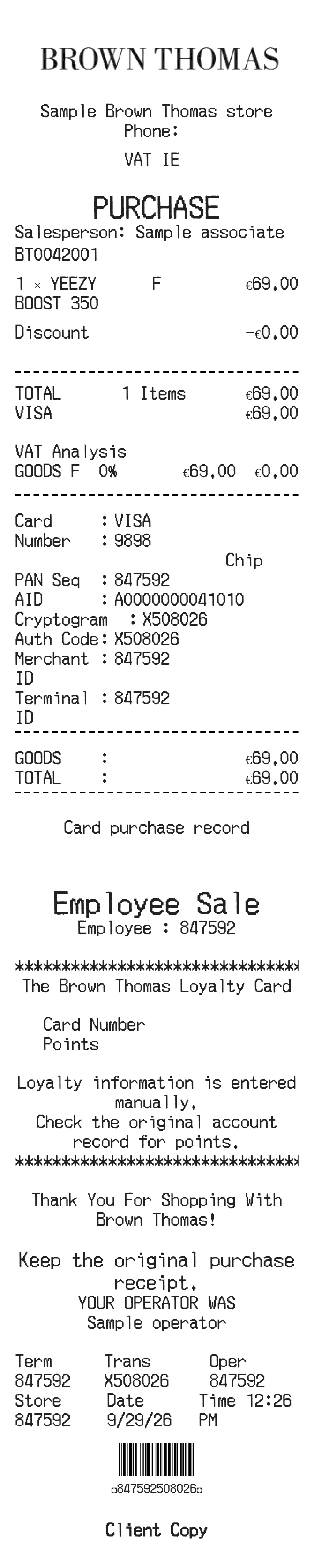
Enter tax-inclusive item prices, quantities and any line discounts. Check the included VAT, payment details and receipt notes before saving.
The Brown Thomas receipt editor treats the item price as tax-inclusive. It applies the line discount, totals the discounted purchases and separates the included VAT using the percentage you enter. Loyalty and employee references are additional text fields, not account lookups.
| Section | Details |
|---|---|
| Products | Enter the description, quantity and tax-inclusive unit price. |
| Line discounts | A discount percentage reduces that item’s extended price. |
| Included VAT | Set the VAT percentage to split the discounted total into net amount and VAT; it does not add VAT again. |
| Payment | Choose cash or a card type and review the payment reference fields. |
| Loyalty details | Type only the card or points information you want displayed; it is not fetched from an account. |