📝Editor
👁️Live Preview
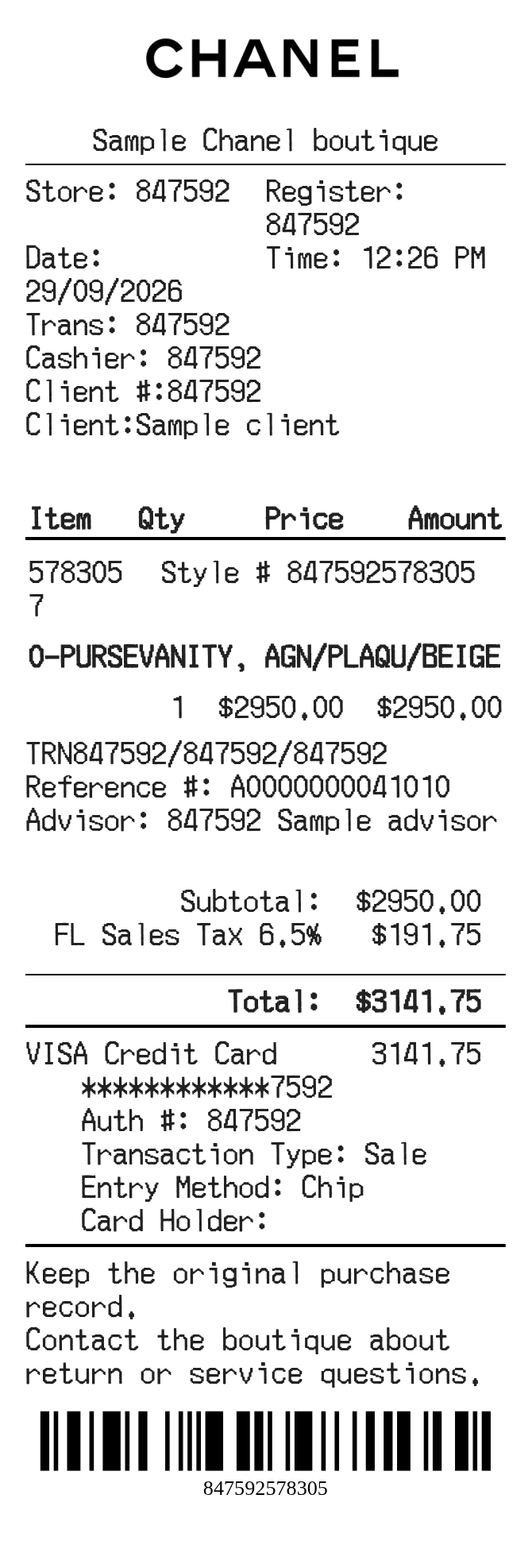
Fill in the client, product style and advisor details. Review quantities, prices, tax and the payment block on the Chanel receipt.
The Chanel editor places a product description and style reference together, followed by the item amount and advisor information. Client and transaction fields appear above the item list. Use the preview to check longer descriptions, especially when a style, color and material share a line.
| Section | Details |
|---|---|
| Client | Enter the client name and ID separately from the cashier and transaction numbers. |
| Product | Complete the description, style and other product reference fields. |
| Price | Quantity multiplies the entered unit price; the tax percentage is added to the subtotal. |
| Advisor | Use the advisor and reference fields to preserve information from the purchase record. |
| Payment | Choose the payment type and review the card or cash information beneath the total. |