📝Editor
👁️Live Preview
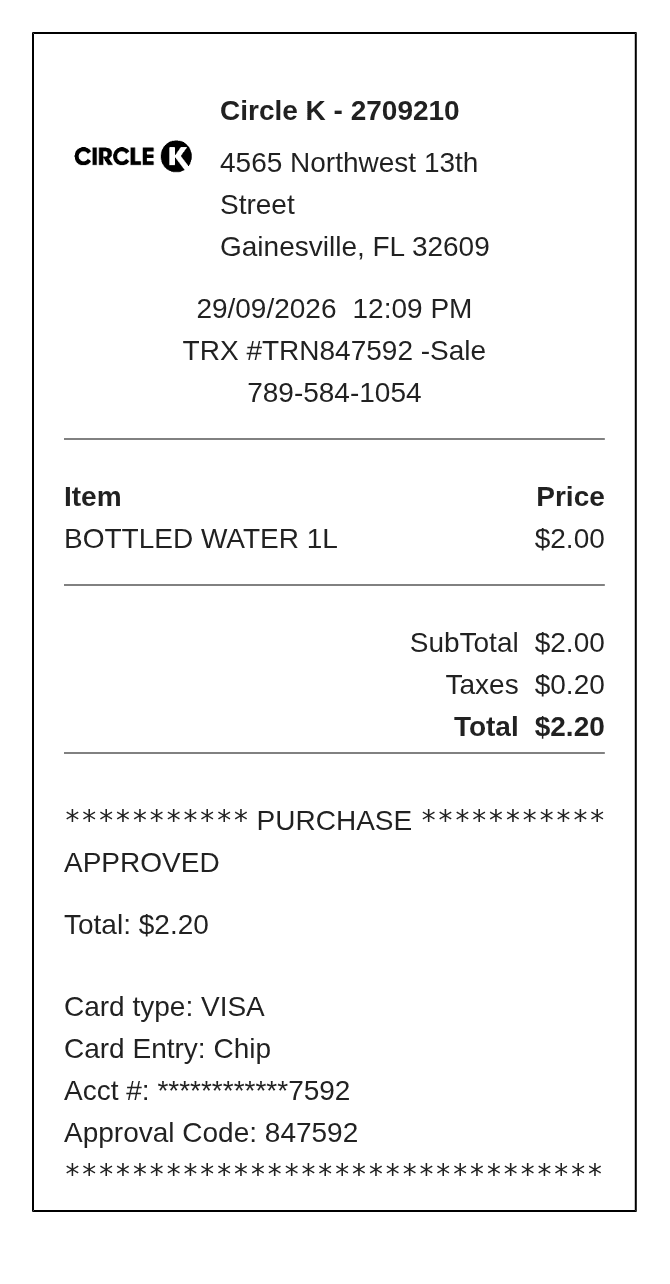
Enter a convenience-store purchase as descriptions and full line prices. Add the store, transaction and payment references, then check the total in the receipt preview.
The Circle K editor has a simple Item and Price list followed by subtotal, tax and payment details. Use the description for a drink size or item count, since this layout has no separate quantity field. Each Line price is the complete charge for that row.
| Section | Details |
|---|---|
| Store | Name, address and contact number |
| Transaction | Date, time and transaction ID |
| Items | Description and full line price |
| Totals | Subtotal, entered tax and final amount |
| Payment | Type, card ending, entry method and approval reference |