Arc’teryx Receipt Generator
Add product codes and descriptions with quantities and unit prices. Review the invoice, cashier and payment references, then save the receipt.
Last updated
Use the product description for model and color details
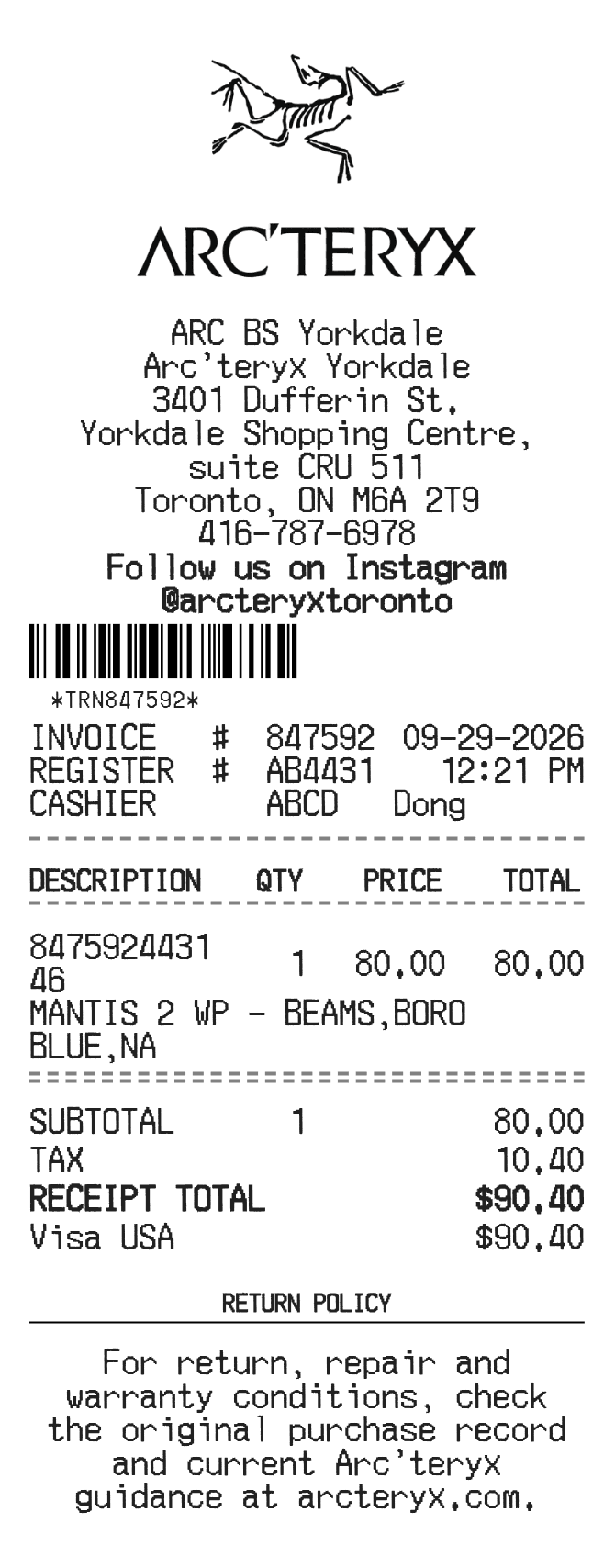
This Arc’teryx layout has a product ID and description for each item, followed by quantity, unit price and calculated line total. Include model, color and size in the description when they distinguish the item. Invoice, register and cashier details sit above the table.
Arc'teryx receipts and proof of purchase
For arcteryx.com orders, the price, tax and shipping are itemized on the order confirmation email, and Arc'teryx says that email is your proof of purchase and recommends saving and printing it. An account gives easier access to your orders, but guest buyers rely on the email. If you bought from an authorized dealer such as an outdoor retailer, that dealer's receipt is your proof of purchase.
The receipt matters most for warranty claims. Arc'teryx covers only the original purchaser with valid proof of purchase from an authorized dealer, and its online Product Service Request asks for a picture of your original receipt; you're told not to take the product back to the dealer. Apparel and packs are covered for their Practical Product Lifespan, which Arc'teryx says is not a lifetime warranty. Footwear is covered for 1 year from purchase and climbing gear for 2 years.
Returns and trade-ins
Online orders can be returned within 30 calendar days of delivery, except items such as harnesses and underwear, and outlet purchases are final sale unless damaged or not as described. There are no online exchanges or price adjustments.
Through RESALE, formerly ReGEAR, you can trade in functional gear for a gift card worth 30% of the original value with the inner label attached, and items outside the return policy can get a 20% credit. Sales tax is charged where required and itemized on the confirmation; tax exemptions aren't available online.
Details in the Arc’teryx preview
| Section | Details |
|---|---|
| Product | Identifier and description with model or color notes |
| Amounts | Quantity multiplied by unit price, subtotal and added tax |
| Checkout | Invoice, register, cashier ID and cashier name |
| Store | Address, telephone and social-handle text |
| Payment | Card or cash information with a separate country-code entry |
Related receipt guides
Check the store and product references
- Enter the store details and invoice reference.
- Add each product code, description, quantity and unit price.
- Review the tax rate, payment details and country-code text.
- Replace the return note with applicable information, check the optional barcode and download.