📝Editor
👁️Live Preview
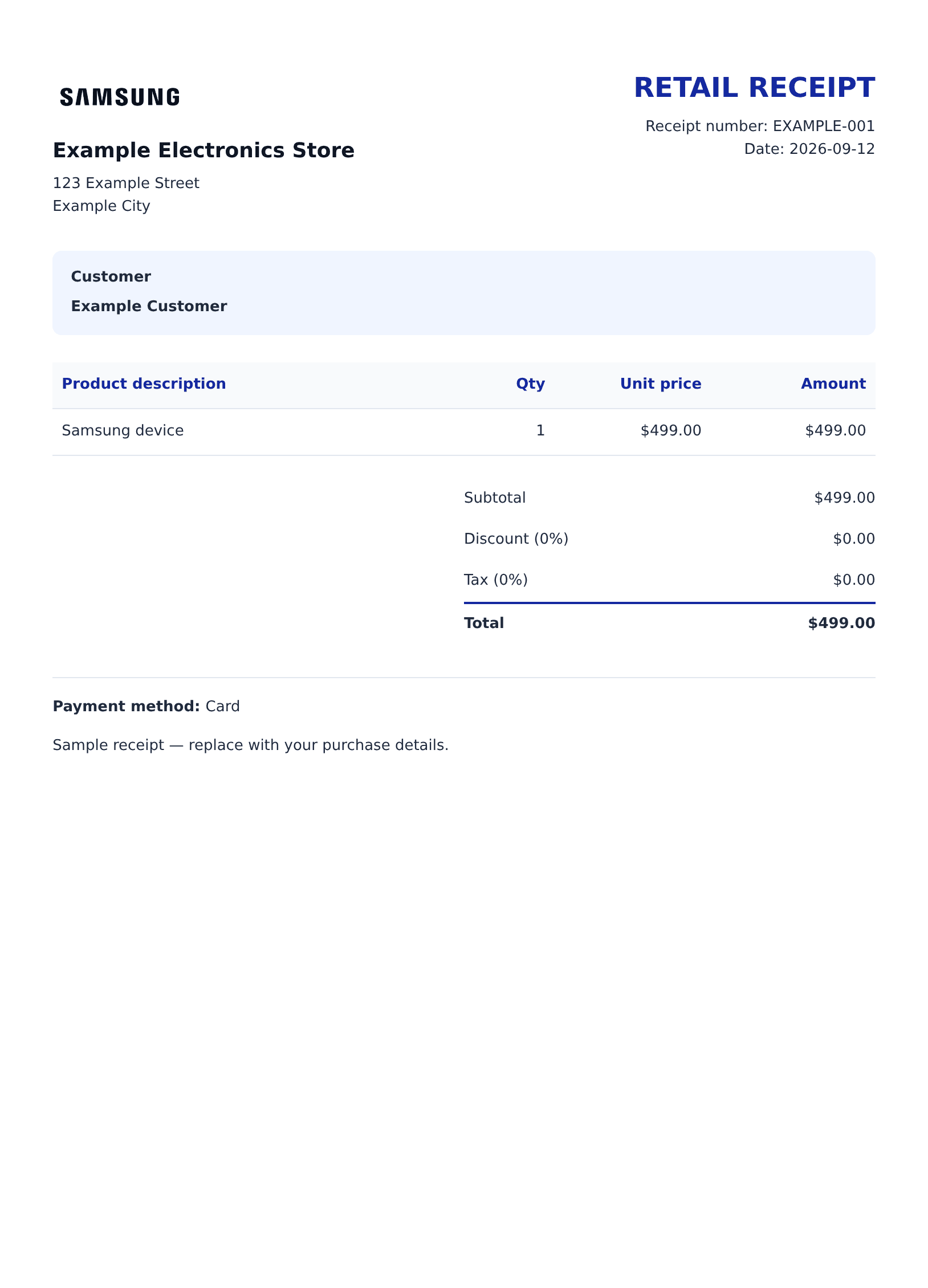
Enter seller and customer details, then add Samsung products with models, quantities and unit prices. Review the discount, tax and payment summary.
The Samsung editor starts with a simple retail receipt. Each product has a description, optional model or serial details, quantity and unit price. Seller and customer contact blocks sit above the table, while a payment method and notes appear below the calculated total. Replace the example store with the seller relevant to your record.
| Section | Details |
|---|---|
| Seller and customer | Names, addresses and contact details |
| References | Receipt number, order number and date |
| Products | Description, optional model or serial note, quantity and unit price |
| Calculation | Item subtotal, percentage discount, tax and final total |
| Payment | Method and optional card suffix |