📝Editor
👁️Live Preview
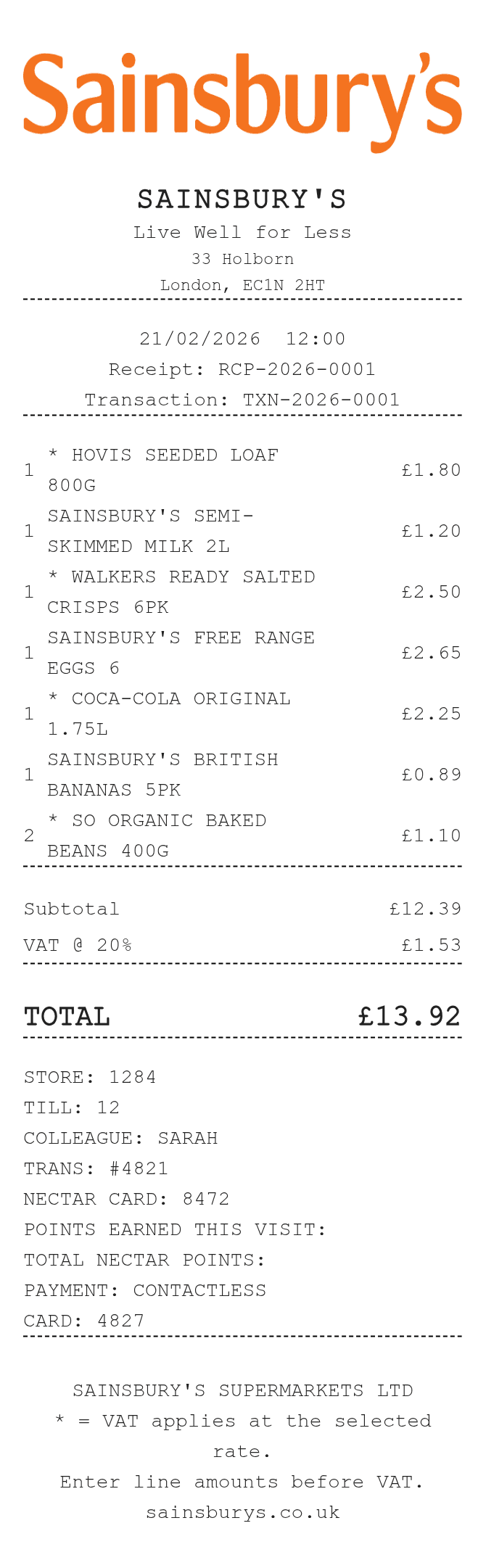
Enter full line amounts before VAT and mark taxable descriptions with an asterisk. Add till and colleague references, then review payment and optional Nectar notes.
In this Sainsbury’s editor, an item description beginning with * selects that row for the entered VAT rate. Rows without the mark remain outside that calculation. Enter complete line amounts before VAT, then check the subtotal, added VAT and total together.
| Section | Details |
|---|---|
| Store | Name, address and receipt reference |
| Items | Displayed quantity and complete amount before VAT |
| VAT | Leading * marker on taxable descriptions and entered rate |
| Checkout | Store, till, colleague and transaction numbers |
| Payment and notes | Payment method, optional card details and Nectar text |