📝Editor
👁️Live Preview
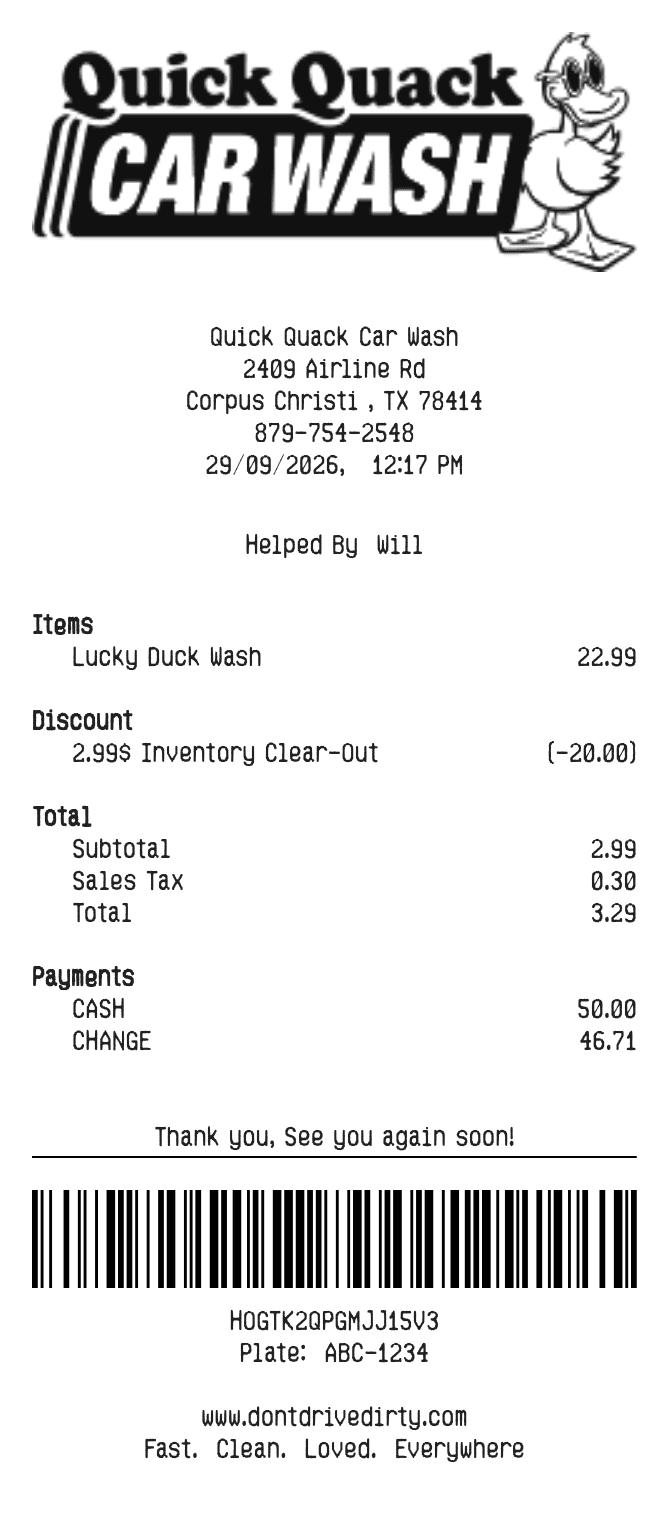
Enter the wash, location, date and license plate in a Quick Quack receipt layout. Review any discount and payment, then save a PDF or PNG.
The Quick Quack editor has individual fields for the wash location, contact number, Helped By name and license plate. Add a description and amount for each service, then use the offer and discount fields only when they apply to the payment you are recording. This page edits a document; it does not access a Quick Quack membership.
| Section | Details |
|---|---|
| Visit | Location address, contact number, date and time |
| Vehicle and attendant | License plate and Helped By |
| Services | Descriptions and full line amounts |
| Discount and tax | Offer text, discount amount and tax percentage |
| Payment and footer | Cash/card choice, payment details, website and thank-you text |