📝Editor
👁️Live Preview
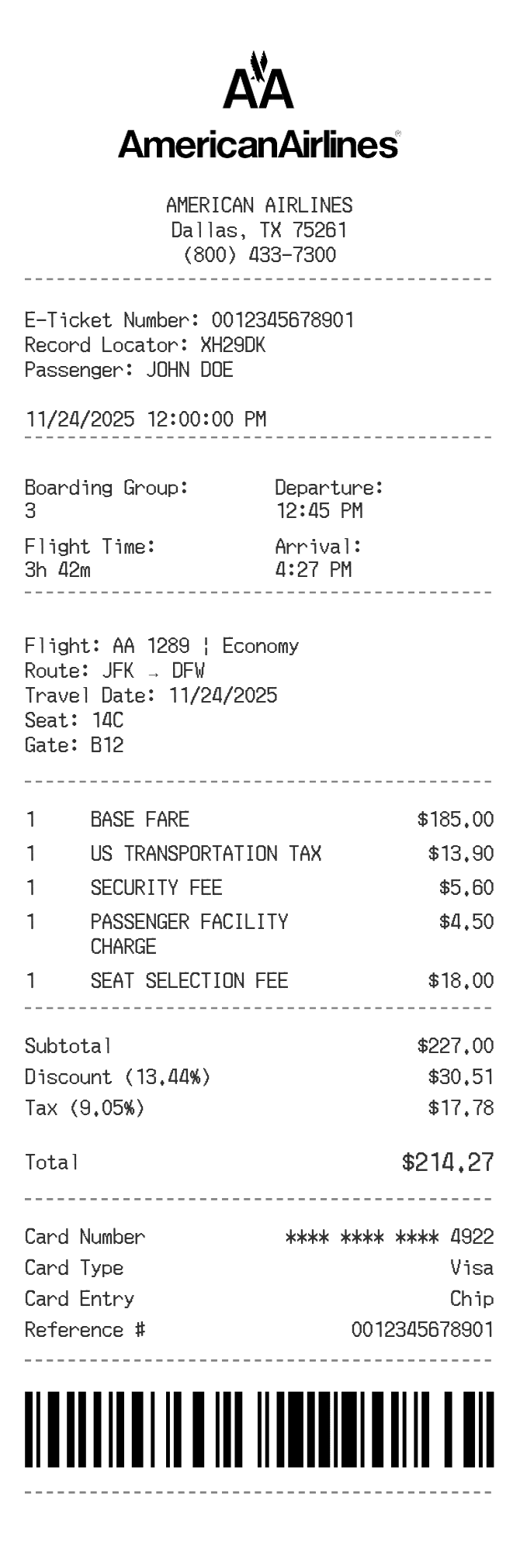
Enter passenger and ticket references, describe the flight and itemize its charges. Review the fare, added fees, discount and tax settings before exporting.
The American Airlines receipt generator uses message sections for the passenger, ticket, record locator and itinerary. The charge table is separate, with rows for the fare and any fees you enter. Flight times, seat and boarding group are notes; editing them does not retrieve a booking or change a charge.
| Section | Details |
|---|---|
| Passenger and booking | Edit the name, e-ticket number and record locator. |
| Itinerary | Use the flight message and two-column details for route, travel date, seat, gate and times. |
| Fare and fees | Each item multiplies quantity by unit price. Use quantity 1 for a single fee. |
| Percentage settings | Discount is applied before tax, and the tax percentage applies to the entire discounted subtotal. |
| Finish | Reorder sections if needed and check the payment reference, barcode and full preview. |