📝Editor
👁️Live Preview
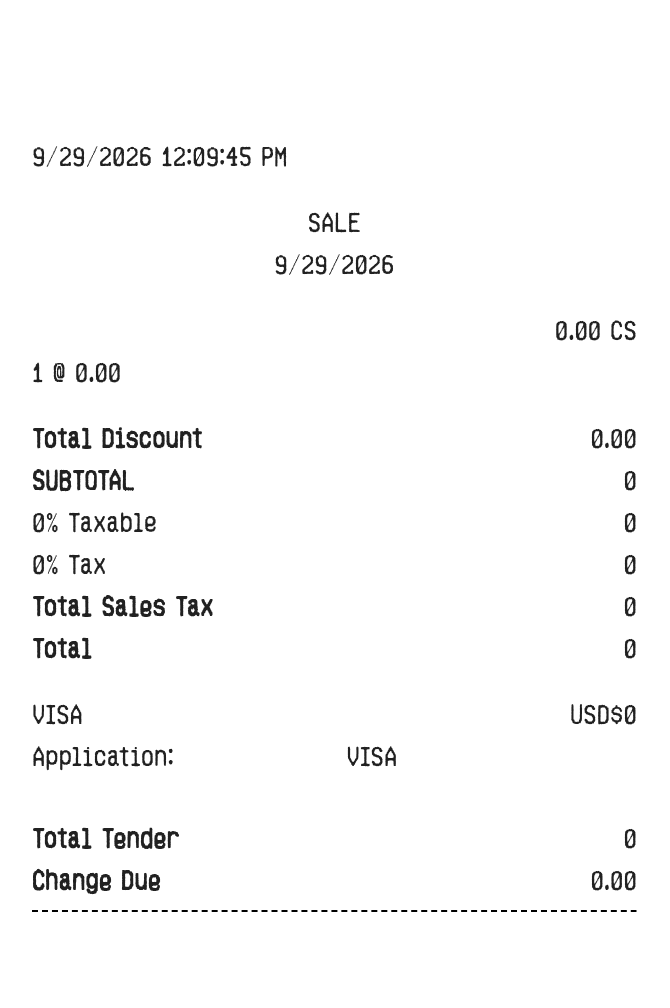
Start with blank store and product fields. Enter the purchase amounts, discount and tax summary, then review the completed receipt before downloading.
The Big Lots editor begins with empty store information and a blank item row. It is designed for entering a record from scratch, including product codes, tax captions and card-terminal details. The discount, subtotal, taxable amount, tax amount and final total are manual fields, so they can match the source record you are working from.
| Section | Details |
|---|---|
| Header | Store name, address, phone, printed date and time |
| Products | Name, code, quantity, unit price and displayed tax code |
| Summary | Manual discount, subtotal, taxable amount, tax amount and total |
| Payment | Cash received or card details with entered transaction references |