📝Editor
👁️Live Preview
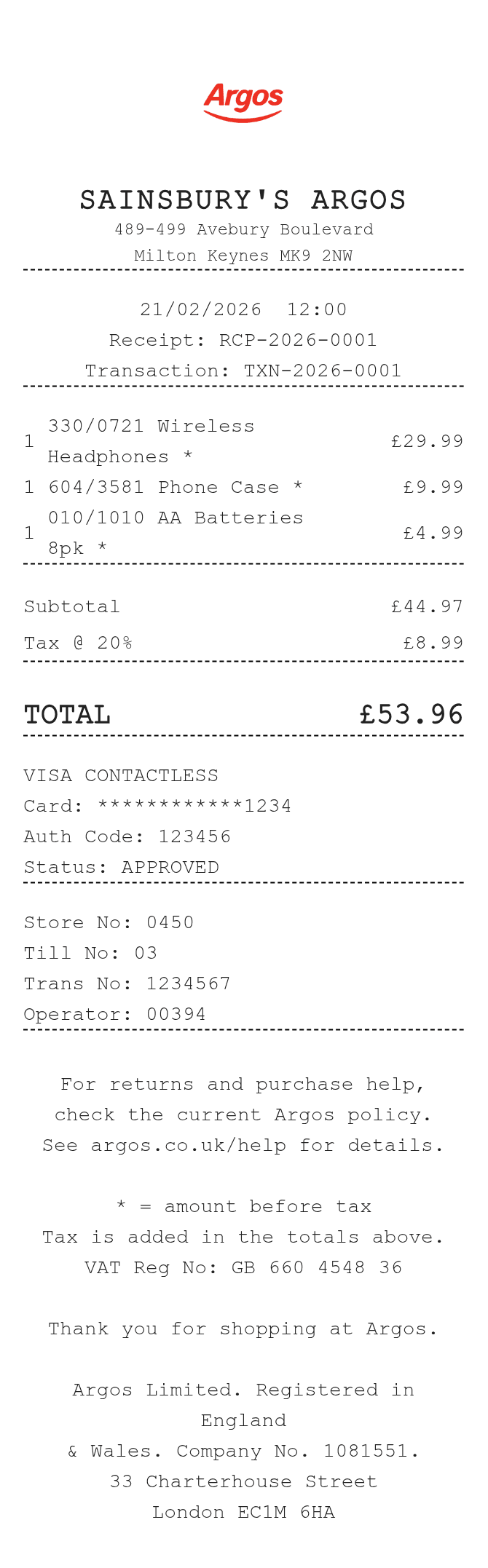
Enter catalog numbers, product descriptions and full line amounts. Add the store, till and operator references, then review the receipt before saving it.
This Argos receipt layout puts a catalog reference alongside each product description. The store, till, operator and transaction fields sit below the payment section, making it possible to keep checkout references separate from item codes. The sample uses pounds and includes an editable footer for any notes that belong to your record.
| Section | Details |
|---|---|
| Product row | Catalog number and description, displayed quantity and line amount |
| Checkout | Store number, till number, transaction number and operator |
| Amounts | Sum of the entered line amounts, with the selected tax rate added |
| Payment | Method, last four card digits and authorization reference |